
စထရီးမား ကိရိယာများ
OBS သို့မဟုတ် TikTok LIVE Studio အတွက် အခမဲ့ overlay လင့်ခ်များ၊ ဂိမ်းမှ တိုက်ရိုက် အပ်ဒိတ်
အားလုံး အခမဲ့ · 16:9 သို့မဟုတ် 9:16 · အပေါ်/အလယ်/အောက် · အရောင် ၃ မျိုး · ဘာသာစကား အများအပြား
1Pick an overlay
2Pick a style
3Screen and position
Your screen
Arrange
နေရာ
4Fine-tune (optional)
What to show
5Copy the link into your streaming app
တိုက်ရိုက် အစမ်းကြည့်
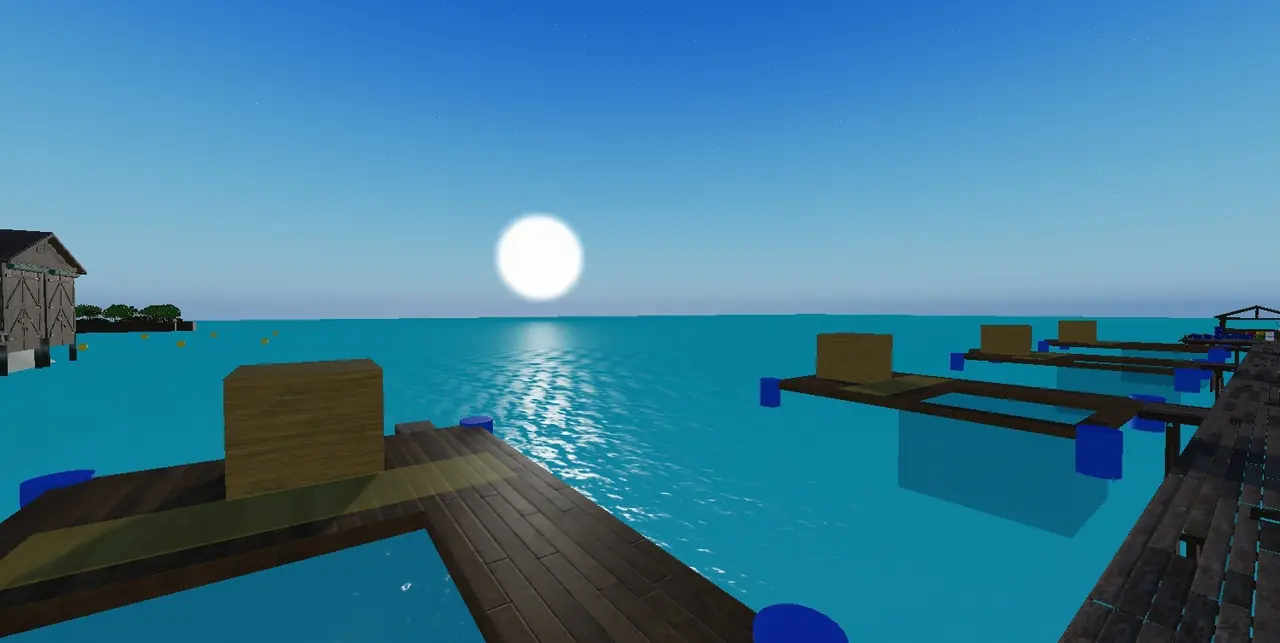
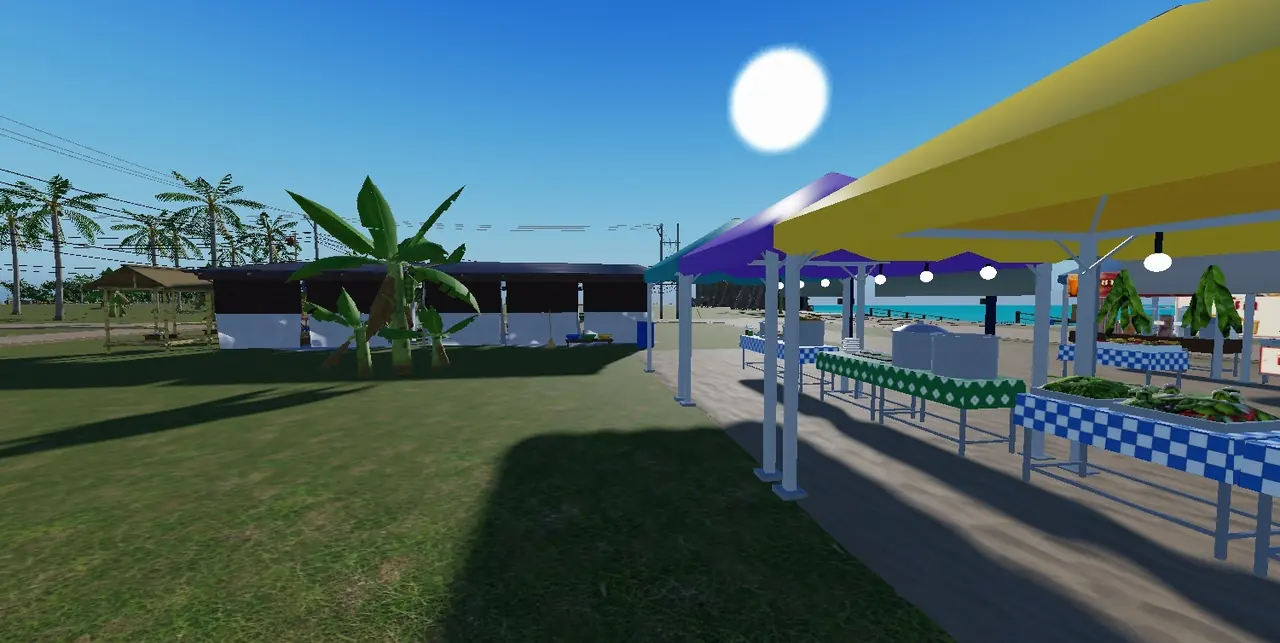 16:9
💻 Also in the Hagame Live app: pick an overlay right inside the app
စထရီးမ် အက်ပ်တွင် ထည့်နည်း
- OBS: press + under Sources → Browser
- Paste the link, width×height 1920×1080 (16:9) or 1080×1920 (9:16)
- The background is already transparent, place it anywhere
- TikTok LIVE Studio: Add source → Link
- Paste the link and resize the frame to fit
ကြည့်ရှုသူ တိုးစေမည့် အကြံများ
- Keep the codes overlay on: viewers stay longer to write codes down
- When “New code!” or “Restocked!” pops up, call it out: that is when chat is busiest
- The “Now playing” badge tells new viewers the game right away, and how to join you
- Vertical streams: now playing in the top band, seeds or codes in the bottom band